yet-another-generic-startpage
Yet another generic startpage
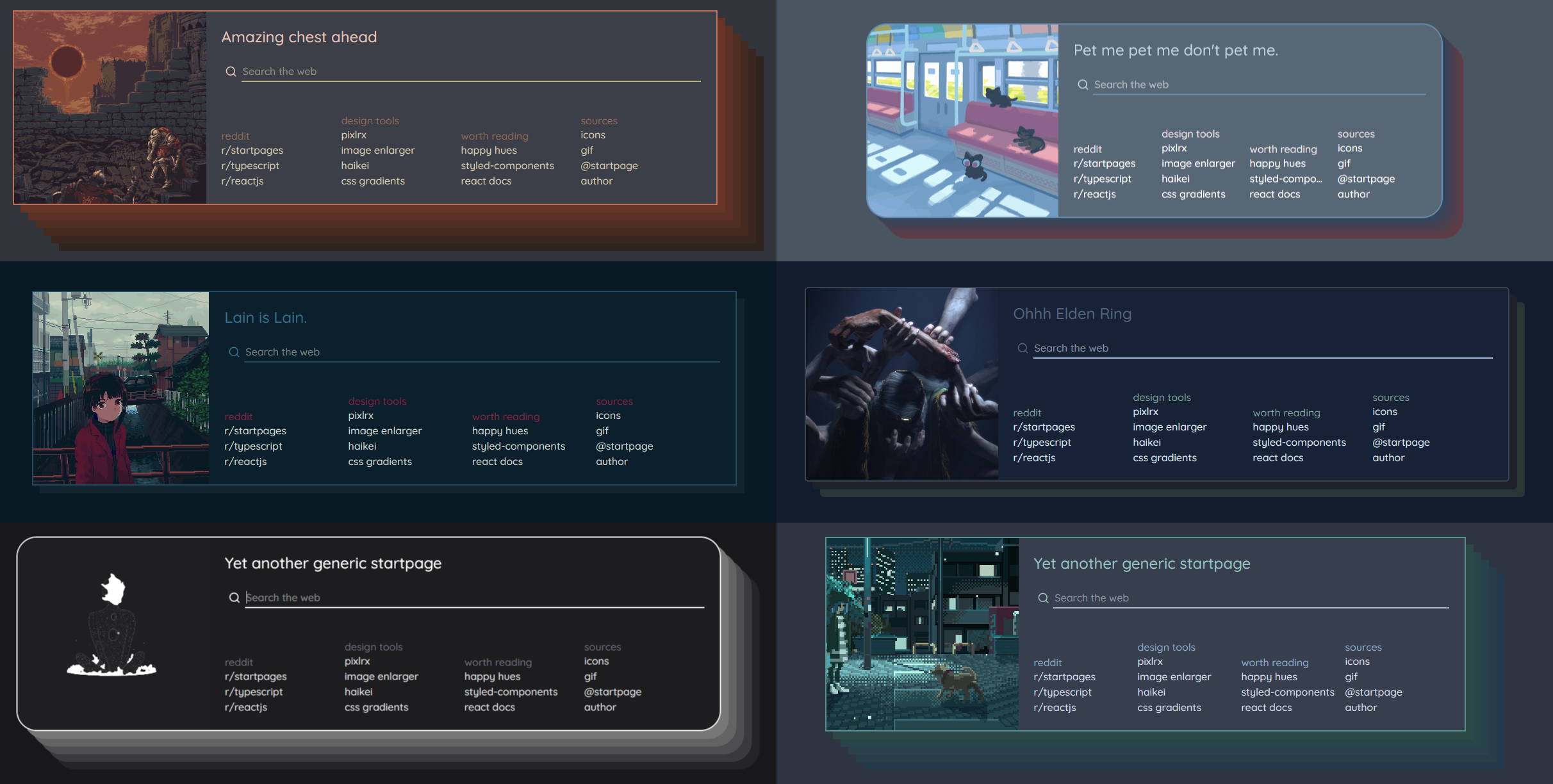
A startpage with a generic layout and many settings to modify the appearance.
Usage
There are several options for using this startpage.
Fast setup
The easiest way to set it up is using the repositories demo with one of the many new tab override extensions like this one for firefox or this one for chrome.
Install the extension and set https://prettycoffee.github.io/yet-another-generic-startpage/ as new tab url.
Local Setup with Mini Yags
You can extract your startpage design into static files for local use by downloading a Mini-YAGS version.
To create a Mini-YAGS copy:
- Open the Demo
- Click on the arrows in the top right corner
- Design your startpage
- Scroll down to the
Mini-YAGSsection and click onZip me a copy! - Extract the files in the zip on your local system
To apply it for new tabs, install one of the the new tab override extensions and set file:///C:/path/to/your/mini-yags/index.html as new tab url.
Github Pages with Mini Yags
Required Knowledge: git, github
You can host your Mini Yags copy with github pages as well, to have it online. To do that, create your Mini Yags copy as explained before.
Then follow these steps:
- Create a repository
- Push all the files of your
Mini Yagscopy into the repository, commit and push - Open the repository settings on Github
- Open the
Pagessection from the navigation on the left hand side - Select for
Source->Deploy from branchand forBranch->master(ormain) and/(root) - Click on save
The startpage should now be hosted on github pages, it may take some minutes to finish the deployment. The url will be <user-name>.github.io/<repo-name>.
Note: This setup may change over time, if Github changes things, but the idea should stay the same.
Full startpage (no Mini Yags)
Required Knowledge: git, github, npm, node
Instead of building a Mini Yags copy you can also host your own copy of the full startpage, including the settings window. This will allow you to customize the startpage later on.
To set it up with github pages:
- Fork the repository in github
- Clone it to your local machine
- Run
npm iandnpm run buildin the project directory -
Deploy it on Github pages with one of the following methods:
- Use the deploy script:
- Run
npm run deploy, this will create agh-pagesand push the required files into the branch - Select the
gh-pagesbranch as the source branch in thepagessettings
- Run
- Make the setup manually:
- Copy the files from the
/builddirectory into a new branch - Push the branch to your repository
- Select the branch as the source branch in the
pagessettings
- Copy the files from the
- Use the deploy script:
- Use the github pages link (
<user-name>.github.io/<repo-name>) in the browser extension.
Others
There are several other options:
-
Docker: If you are familiar with Docker, aDockerfileanddocker-compose.ymlare included in the repo.# build $ docker build ./ -t yags # run $ docker run -d --name yags -p 8080:80 yags # Alternative: Compose $ docker compose up -d Web extension: You can set up the startpage as a web extension itself which would replace the installation of the extensions used above.Local nginx server: Set up a local nginx server
Advanced: Modify code
If you want to modify something because the feature is missing, you can either create a Mini Yags copy and work with good old classic HTML/JS/CSS or you can fork the repo and change the react code.